 WhatsApp

Dealer Signage Rollouts: Control Artwork Changes After the First Order
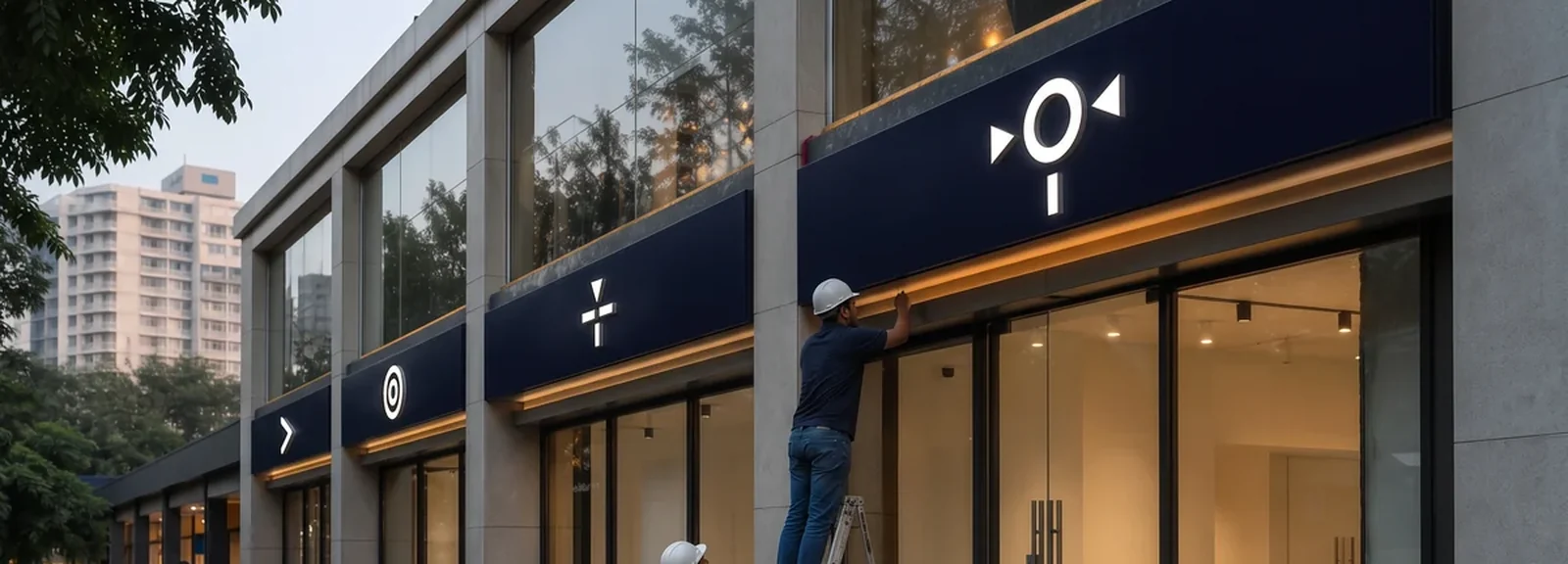
AI-generated representative dealer-network visual. It does not depict a named IBS client or a completed dealer programme.
A dealer signage rollout needs a controlled release for every artwork change: identify the item, the affected dealers, the approval owner and when the revision takes effect. Then decide what happens to stock already printed, boards in transit and installed signs. A new file in a message thread is not enough to tell a factory or installation team which version to use.
Control the production release when artwork changes
Our existing retail-rollout article explains how colour and material consistency are controlled. This guide deals with a different decision: what the programme does when the approved design changes after orders have started.
A dealer fascia can carry the main brand, a product category and the dealer’s own name. In-shop graphics may change with a campaign while the external board stays. Give each physical item a code so a campaign revision does not accidentally replace the permanent identity or the wrong dealer details.
Give every item a release state
Use plain states that the brand, procurement and production teams understand: survey pending, artwork for review, approved for manufacture, dispatched, installed and accepted. Add a hold state for unresolved items. A colour proof approval should not silently become permission to manufacture an unsurveyed board.
Record the artwork revision and the physical sample reference together. Where a local frontage needs a size change, link the exception to that dealer and item. Keep the network master unchanged until the brand owner expressly releases a new standard.
Use a change register that can stop the wrong batch
The register below is a proposed control sheet. Keep it with the current work orders and make its status visible to the person releasing print or fabrication.
| Field | Record | Decision it controls |
|---|---|---|
| Change reference | Item code, old revision, new revision and reason | Which file replaces which physical item |
| Affected locations | Dealer codes and site-specific exceptions | Where the change applies |
| Approval | Named approver, date and approved sample / drawing | Whether production can be released |
| Stock and work in progress | Unprinted, printed, fabricated, dispatched or installed | Hold, use, rework or replace each group |
| Effective release | First work order or batch using the new revision | The cutover between versions |
| Close-out | Installation evidence and acceptance status | Whether the affected dealer is complete |
Assign an owner to every open decision. This sheet does not authorise a change to the agreed price or scope.
Separate a local exception from a network change
A narrow shopfront might need an approved alternate arrangement. Record the surveyed dimensions, proposed layout and dealer code. Approval for that frontage should remain a local exception, rather than becoming an unofficial template for the next opening.
When the brand wants a network change, list the affected item codes and the effective release. Include language variants and dealer-name fields in the check. Ask regional teams to acknowledge the new issue instead of relying on a forwarded image whose revision cannot be traced.
Make a stock decision before issuing replacement graphics
Procurement needs to know which items can still be used, which are on hold and which need rework. Decide this before the revised batch is produced. Record responsibility for additional manufacture, transport, removal and installation through the agreed commercial process.
A replacement graphic also needs a surface check. 3M’s substrate-preparation bulletin directs users to the chosen film’s product guidance and addresses application over existing graphics. Treat the actual board and film specification as a technical decision; do not assume a new printed layer can cover any existing finish.
Accept the installed revision, then retain the replacement reference
The installation record should identify the dealer, item code, revision, location and acceptance. Photograph the completed item and note outstanding defects separately. Close the change against the affected locations, rather than marking it complete when the revised artwork is uploaded.
IBS manufactures print and fabricated signage in-house and coordinates installation across India. For a dealer programme, share the item schedule, dealer list, artwork status and installation windows. We can scope the production and installation package around those records without claiming that a standard template fits every shopfront.
Sources
- Product-specific substrate guidance and preparation, including application over existing graphics. Revision A, December 2024; read 25 November 2026. 3M, Application: Substrate Selection and Preparation
Frequently asked questions
What is a dealer-board rollout?
How should a brand approve changes during a rollout?
Can one dealer use a different board size?
What happens to boards printed before the artwork changes?
Can in-shop branding change while the fascia stays?
What should we send IBS for a dealer-network quotation?

Preparing a dealer-board programme?
Share your dealer list, approved artwork and item schedule. Include revisions or stock already in progress so the scope reflects the actual release.